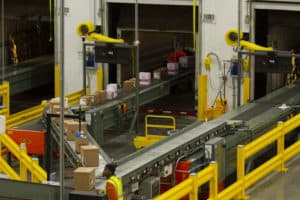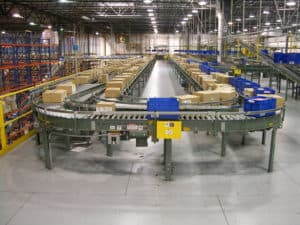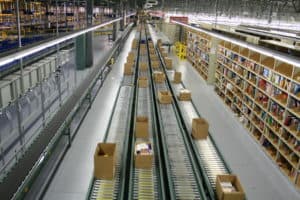
Zone picking is an order picking method that divides the pick area into zones, assigns each picker to one zone, and moves the order (usually a tote or carton on conveyor) from zone to zone instead of sending one person through the whole building. Each picker only fills the lines stored in their zone, and the order is complete when it has passed through every zone it needs.
Zone picking is one of four basic methods. The others are discrete picking (one picker, one order, start to finish), batch picking (one picker gathers items for several orders at once), and wave picking (orders are released in timed groups). Most real buildings combine two or three of them. Your order profile decides the right mix.
This guide explains how each method works, where zone picking pays off, how the conveyor and controls behind it work, and how to read your own order data to choose.
At a glance
- Discrete picking: one order at a time, one picker. Simple, but travel-heavy as the building grows.
- Batch picking: one trip fills several orders. Cuts travel; needs sorting or a put wall after the pick.
- Zone picking: pickers stay in a zone and orders move to them. Cuts travel and training time; needs balanced zones and conveyor.
- Wave picking: orders release in timed groups tied to carrier cutoffs or replenishment. It decides when work starts and pairs with any of the other three.
- Choose from your data: orders per day, lines per order, units per line, SKU count, and how fast your top SKUs move.
Table of Contents
The Four Picking Methods in One Table
| Discrete | Batch | Zone | Wave | |
|---|---|---|---|---|
| What it decides | Who picks an order | How many orders per trip | Where each picker works | When orders release |
| How it works | One picker, one order, whole building | One picker, several orders, one trip | Pickers stay put; order moves zone to zone | Orders grouped and released on a schedule |
| Main benefit | Simple; easy accountability | Less travel per line | Less travel; short training per zone | Matches work to cutoffs, trucks, and labor |
| Main cost | Travel grows with the building | Orders must be separated after picking | Zones must be balanced; needs conveyor or carts | Idle time and pileups between waves |
| Best fit | Low volume, few lines per order | Many small orders, overlapping SKUs | High volume, many SKUs, multi-line orders | Fixed carrier cutoffs, store routes |
| Typical equipment | Cart, RF scanner | Multi-tote cart, put wall, sorter | Zone routing conveyor, pick to light, carton flow | WMS or WCS release logic |
Wave picking sits on a different axis from the other three. Discrete, batch, and zone picking describe how a picker moves through inventory. Wave picking describes when a group of orders is released to the floor. That’s why you’ll hear terms like “wave-zone” or “zone-batch”: they’re combinations.
What Is Zone Picking?
In a zone picking system, the pick area is split into zones by aisle, by level of a pick module, or by product type. A picker is assigned to one zone. An order starts at induction, where it’s married to a tote or carton with a barcode (often called a license plate). The tote travels on conveyor to each zone that holds items for that order. The picker in each zone adds their lines, and the tote moves on.
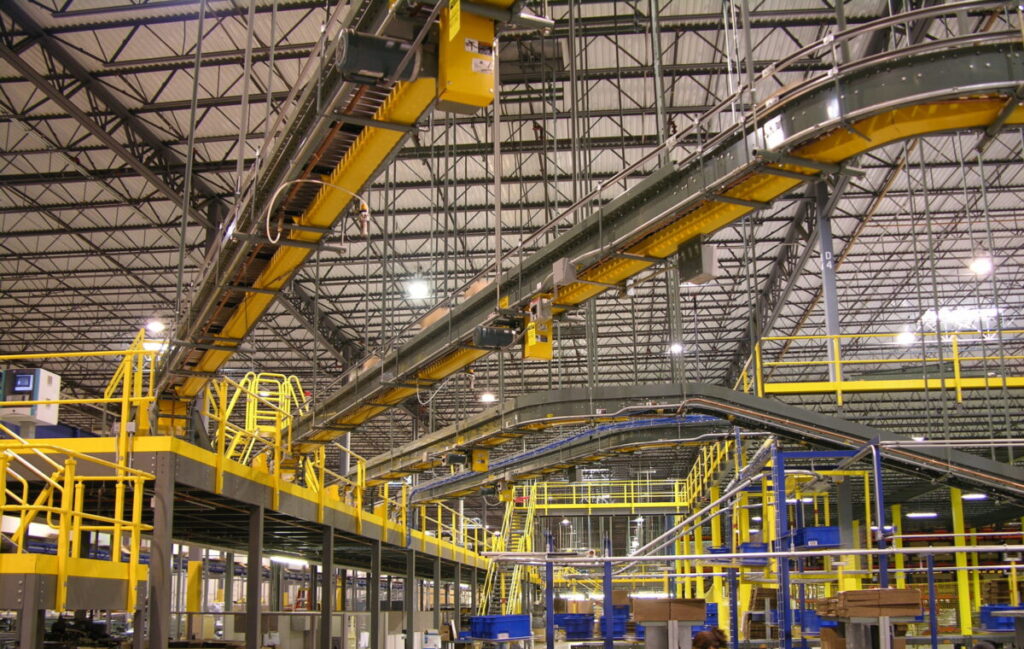
There are two main ways to run zone picking.
Pick-and-pass (sequential zone picking)
The tote visits every zone in order, whether or not the zone has a pick for it. The picker fills their lines and pushes the tote to the next zone. Pick-and-pass is simple and often runs on gravity or simple powered conveyor. Its weakness is that every zone handles every tote, so a tote with one line still travels the whole line.
Johnson & Johnson’s split-case area is a basic version. Century’s system has boxes serpentine on gravity conveyor mounted on the pick rack until each order is filled. Orders that finish early leave the line on one of three vertical lifts to an overhead zero-pressure line, so pickers stop pushing completed boxes past their zones. Throughput rose from about 900 to 1,000 boxes per eight hours to about 1,350 to 1,400, a 35 to 40 percent increase. Read the Johnson & Johnson story.
Zone routing (zone skip)
The tote travels on a powered main line, and the controls divert it only into the zones it needs. A scanner reads the license plate, the warehouse control system checks which zones hold the order’s lines, and a divert sends the tote into a zone spur or skips past it. Zone routing cuts the number of totes each zone handles and keeps single-line orders from crawling through the whole module.
HD Smith’s pharmaceutical distribution center shows zone routing at work. Orders print in waves at induction, and each order is married to a barcoded pick tote. The host system tells the conveyor control system which pick zone or zones the tote needs, and the tote is routed only to those zones. Lines shipped per DC worker went from 40 an hour to 104 after the system went in, with pickers picking 250 to 300 lines an hour. Read the HD Smith story.
When Zone Picking Fits
Zone picking pays off when travel is the biggest part of the pick. Signs your operation fits:
- Many SKUs spread over a large area. Travel time grows with the building. Zones keep each picker’s area small.
- Multi-line orders. If a typical order has items in several aisles, moving the tote is faster than moving the person.
- Steady, high order volume. Zones need enough work to keep each picker busy through the shift.
- High turnover or seasonal labor. A picker only needs to learn one zone’s locations, which shortens training.
- Accuracy pressure. Smaller zones mean pickers know their slots, and a scan or light at each zone adds a check.
Worldpac’s Edison, New Jersey distribution center is a clear example. The building carries 36,000 auto part SKUs and ships about 1,000 orders a day to branches and repair shops. Before the system, as Worldpac’s director of distribution put it, “The people moved through the facility, not the order.” Today totes start in ground-floor zones, ride inclines to four picking zones on the mezzanine, and pop-up transfers move them onto gravity at each station. A customer-direct order can be picked, checked, packed, and manifested in as little as 20 minutes. Read the Worldpac story.
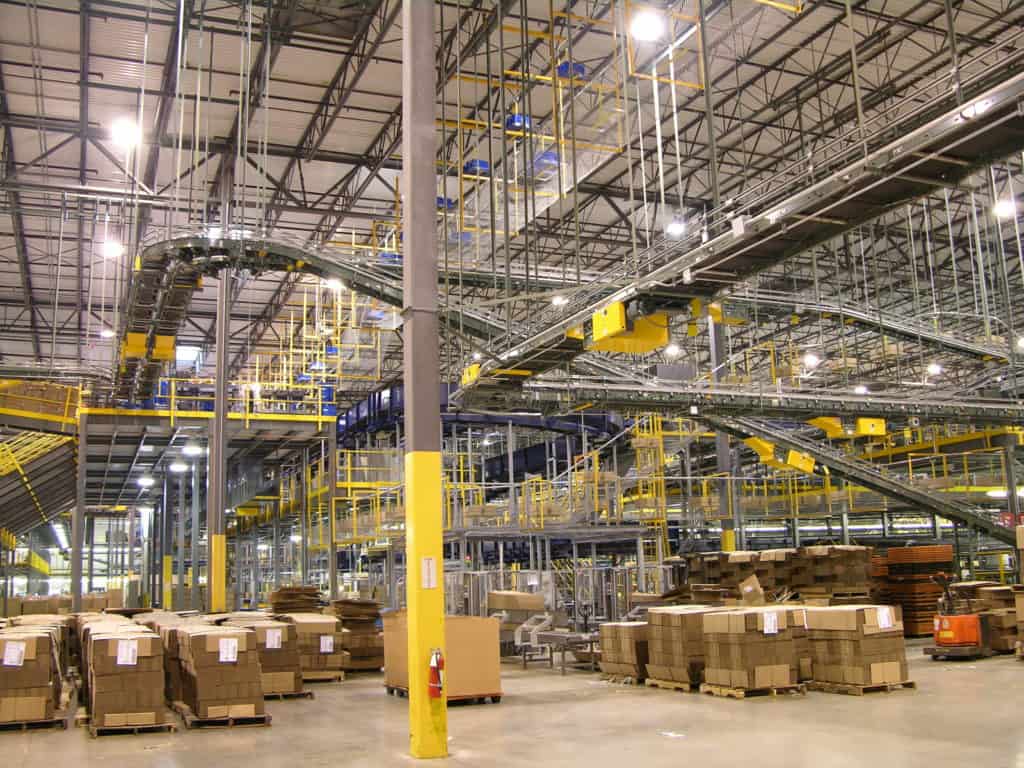
Zone picking fits less well when volume is low (pickers sit idle waiting for totes), when most orders are a single line (batch picking with a sort is usually faster), or when the product is too large or heavy for totes and conveyor.
Batch Picking: One Trip, Many Orders
Batch picking groups several orders and sends one picker to collect all of their items in a single trip. If ten orders each need the same fast-moving SKU, the picker stops at that location once and takes ten units.
Batch picking works best when you have many small orders with overlapping SKUs, such as e-commerce orders of one to three items. Its cost is the second step. After the pick, items have to be separated into individual orders. That happens in one of three ways:
- Sort while picking. A multi-tote cart holds one tote per order, and the picker places each item in the right tote, often guided by lights on the cart.
- Put wall. The batch goes to a wall of cubbies, one per order, and a light shows where each scanned item goes. Our pick to light and put wall guide covers how these work.
- Automated sortation. Items or cartons from the batch are inducted onto a sorter that sends each to its order destination.
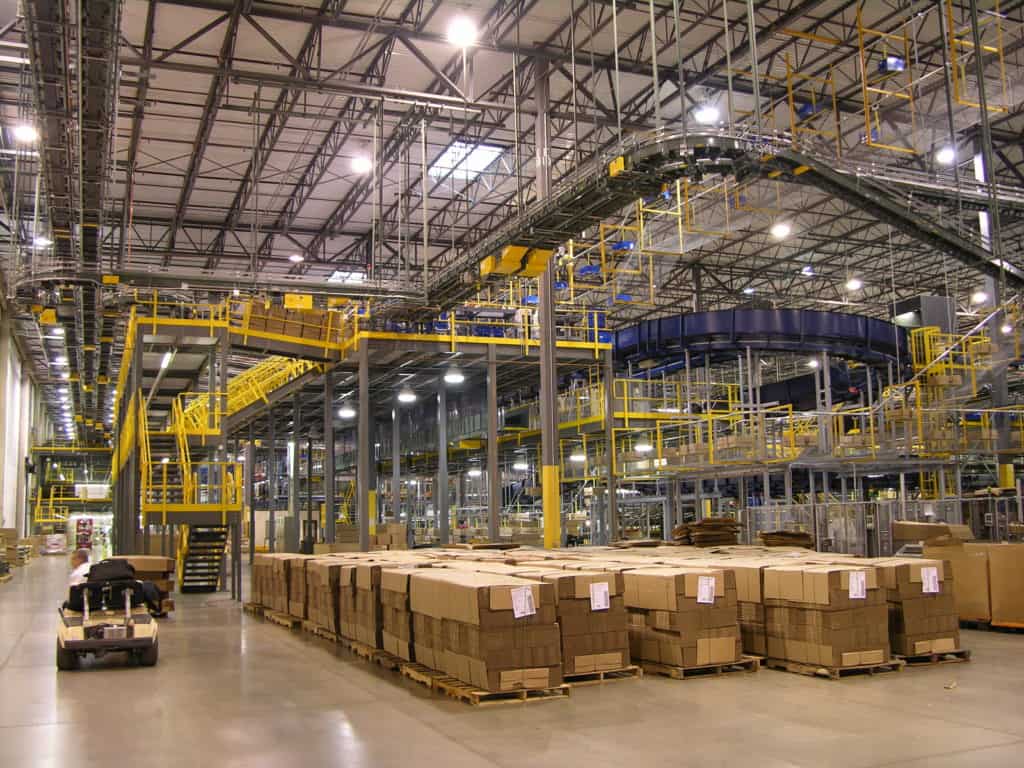
Barnes & Noble’s distribution center uses batch picking at scale. Batch picking is directed by RF and routed through zones by scanner-directed diverters, and books needed for multiple orders are conveyed to a tilt-tray packing sorter. Each chute represents a single order. Chutes are reassigned to new orders as later batches or waves arrive. Read the Barnes & Noble story.
Wave Picking: Releasing Work on a Schedule
Wave picking groups orders by a shared release time and sends them to the floor together. Waves are usually built around something outside the pick area:
- Carrier cutoffs. Orders shipping on the 3 p.m. parcel pickup release in a wave that finishes before the truck arrives.
- Store or route deliveries. Orders for one route release together so they’re ready to load as a group.
- Replenishment timing. Waves give the replenishment team a window to restock pick faces between releases.
- Labor planning. A wave sized to the crew on the floor keeps everyone working without overwhelming packing.
Wave picking pairs with the other three methods. HD Smith prints orders in waves and then routes them through zones. Barnes & Noble reassigns its packing chutes as new batches or waves arrive.
The trade-off is the gap between waves. If waves are too big, pick zones flood and packing backs up. If they’re too small, people wait at the end of each wave. Many operations now use smaller, more frequent waves, or “waveless” continuous release, where the warehouse control system releases orders as capacity opens up. Whether that fits depends on how tight your cutoffs are and how much your WMS and WCS can handle.
Combining Methods: Zone-Batch, Wave-Zone, and More
The labels matter less than the questions behind them: who picks, how many orders per trip, where each picker works, and when work releases. Common combinations:
| Combination | How it works | Where it fits |
|---|---|---|
| Wave + zone | Orders release in waves, then route through zones | High-volume distribution with fixed carrier or route cutoffs |
| Zone + batch | Each zone picks a batch of orders at once, then the batch is sorted | Many small orders across a large SKU base |
| Wave + batch | A wave is picked as one or more batches, then sorted | E-commerce peaks with set ship times |
| Zone + goods to person | Fast movers in conveyor zones; slow movers brought to a station | High SKU counts with a long tail |
That last row is where many high-SKU operations end up. Our article 50,000 SKUs and Counting covers which systems fit operations carrying tens of thousands of SKUs, and our goods-to-person guide explains when bringing inventory to the picker beats sending the picker to inventory.
What a Zone Picking System Needs
Zone picking is as much a conveyor and controls design as a labor plan. The core pieces:
- Induction. A station where each order is married to a barcoded tote or carton. Some operations print the pick list and packing slip here.
- A transport line. Powered conveyor that carries totes past or into each zone. Pick-and-pass can run on gravity; zone routing needs a powered line with diverts.
- Zone spurs and accumulation. Short conveyor lanes in each zone where totes wait for the picker. Zero-pressure accumulation keeps totes from pushing on each other.
- Scanners and diverts. A scanner at each zone reads the license plate, and a divert sends the tote in or lets it pass.
- Pick guidance. RF scanners, pick to light, or voice tell the picker what to pick and confirm it.
- Controls software. A warehouse control system tells the diverts where each tote goes and tracks the order through every zone. Century’s warehouse control systems page covers this layer.
- Takeaway to packing. Completed totes merge to checking or packing, often on accumulation conveyor.
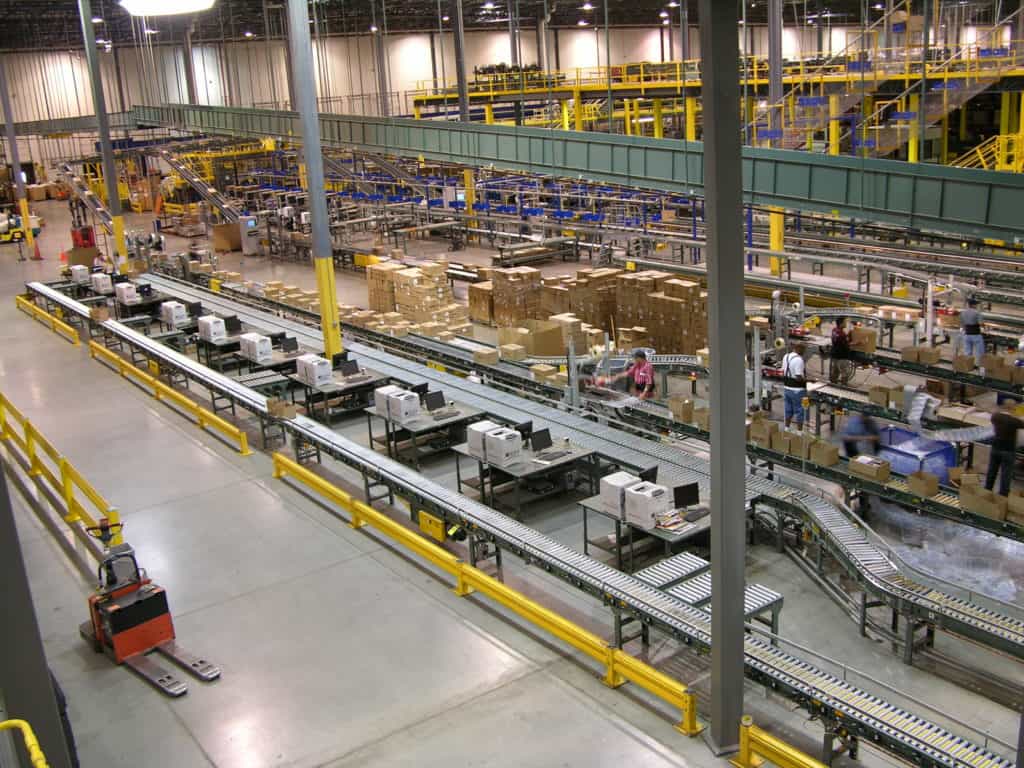
Century’s pick modules and storage systems page describes the three common order selection methods in a pick module: RF-directed cart picking, zone routing conveyor, and pick-to-belt conveyor. Pick modules stack zones on two or three levels, which puts more pick faces in the same footprint.
How to Design Zone Picking Zones
The most common reason zone picking underperforms is unbalanced zones. One zone with all the fast movers becomes the bottleneck, and the rest of the line waits on it. Design the zones from data.
- Pull order history. A representative period, including peak. You need order lines by SKU and by day.
- Rank SKUs by lines picked, not by units. Lines drive picker trips.
- Set a target lines per zone per hour that a picker can sustain with your pick guidance and product.
- Spread fast movers across zones so each zone gets a similar share of lines. Keep the very fastest SKUs at the most ergonomic heights and closest to the conveyor.
- Group items that ship together where it reduces the number of zones a typical order visits.
- Plan replenishment access from the back of carton flow or from a separate aisle, so restocking doesn’t block picking.
- Model peak, not average. Check that the busiest zone can keep up on your busiest day, and plan how to add a picker to a zone at peak.
- Re-slot on a schedule. SKU velocity changes. A zone that was balanced at launch drifts out of balance within months if nobody re-slots it.
Zone design ties into the rest of the layout: conveyor rates, buffer lengths, and where packing sits. Our conveyor system design guide walks through the numbers to settle before a layout is drawn.
Common Zone Picking Problems and What Causes Them
| Symptom | Likely cause | What to check |
|---|---|---|
| One zone always backed up | Too many fast movers slotted in it | Re-balance by lines per zone |
| Pickers waiting for totes | Release rate too low, or zones too small for volume | Release logic; combine zones off-peak |
| Totes skipping a zone they need | Scanner no-read or wrong zone data | Scanner position, label quality, WCS data |
| Totes pile up at a zone spur | Spur too short for peak, or picker overloaded | Spur length; add a picker at peak |
| Multi-tote orders split up | No tracking of tote groups | WCS logic to keep order totes together |
| Main line jams at merges | Diverts and merges sized for average rate | Merge capacity at peak; accumulation ahead of merges |
Most of these trace back to controls and slotting, so fix the data before you change the conveyor. Worldpac’s system, for example, uses computer controls to ensure that orders involving multiple totes stay together through the picking zones.
Safety in Zone Picking Areas
Pickers work next to moving conveyor all shift, so the basics matter:
- Keep aisles clear and marked. Where mechanical handling equipment is used, OSHA requires safe clearances for aisles and passageways, kept clear and marked, under 29 CFR 1910.176(a). Staged totes and empty cartons in pick aisles are a common problem.
- Guard conveyor pinch points within reach of pickers, and put emergency stops or pull cords where people work. Our conveyor safety guide covers guarding and stop devices in more detail.
- Watch reach and lift heights. Slot heavy, fast-moving items between knee and shoulder height.
This section is general information, not engineering or legal advice. Your pick area’s safety design should be reviewed for your specific layout and operation.
How to Choose: Start With Your Order Profile
Before you pick a method, profile your orders. Industry groups such as MHI publish material on order fulfillment, but the data that decides your method is in your own WMS. Pull:
- Orders per day, average and peak
- Lines per order (what share are single-line?)
- Units per line
- Total active SKUs, and how many make up most of your lines
- Order types and cutoffs (parcel, LTL, store routes, will-call)
- Product size and weight range
Then use the pattern:
- Mostly single-line orders, many orders: batch picking with a sort or put wall.
- Multi-line orders, large SKU base, steady volume: zone picking with zone routing.
- Hard carrier or route cutoffs: add waves, or controlled continuous release.
- Huge SKU count with a long slow tail: zones for fast movers, goods to person for the tail.
- Low volume, small building: discrete picking may still be the right answer.
What is the difference between zone picking and batch picking?
Zone picking assigns each picker to an area and moves the order from zone to zone. Batch picking sends one picker to collect items for several orders in one trip, then separates the orders afterward. Many operations combine them: each zone picks a batch, and a sorter or put wall splits it into orders.
Is wave picking the same as batch picking?
No. Wave picking decides when a group of orders is released to the floor, usually tied to carrier cutoffs or replenishment. Batch picking decides how many orders one picker collects per trip. A wave can be picked by batch, by zone, or by discrete picking.
What is pick-and-pass?
Pick-and-pass is a form of zone picking where each tote moves through every zone in sequence. Each picker adds the lines from their zone and passes the tote along. It’s simple and can run on gravity conveyor, but every zone handles every tote.
What is zone routing or zone skip?
Zone routing uses scanners and diverts on a powered line to send each tote only to the zones that hold its items. It reduces the number of totes each zone handles and speeds up orders with only a few lines.
How many zones should a zone picking system have?
Enough that each zone keeps one picker busy at your planned volume, and few enough that a typical order doesn’t visit every zone. Size zones by lines picked per hour, not by aisle count, and plan how to combine zones in slow periods and add pickers at peak.
Does zone picking require conveyor?
Most zone picking systems use conveyor to move totes between zones, especially with zone routing. Small operations can run pick-and-pass with carts handed between pickers, but conveyor removes that walking and lets controls route totes automatically.
Can zone picking work with pick to light?
Yes, and they’re often paired. When a tote arrives in a zone, lights at each pick location show the picker what to pick and how many. The picker confirms each pick, which keeps accuracy high and makes new pickers productive quickly.
When does zone picking stop making sense?
When volume is too low to keep zone pickers busy, when nearly every order is a single line, or when product is too large or heavy for totes and conveyor. In those cases, discrete or batch picking, or a different storage approach, usually fits better.
Match the Method to the Building
Zone, batch, wave, and discrete picking each solve a different problem. Zone picking cuts travel and training in large, multi-line operations. Batch picking cuts trips when orders are small and overlap. Waves line the work up with trucks and cutoffs. The right answer usually combines them, and it comes from your order data rather than from a brochure.
Century Conveyor has been designing and installing pick systems since 1981, from the zone-routed pick modules at HD Smith to the batch picking and tilt-tray consolidation at Barnes & Noble. If your pickers are walking more than they’re picking, or a pick area that worked five years ago can’t keep up, explore Century’s pick modules and storage systems or contact our team to talk through your order profile.